
Magpie
INSTRUMENT DATASHEET — DOWNLOAD VIDEO ON YOUR MAC
01 Function
Download video or audio from a link.
Choose the quality, save subtitles or split a video into chapters. Powered by yt-dlp.
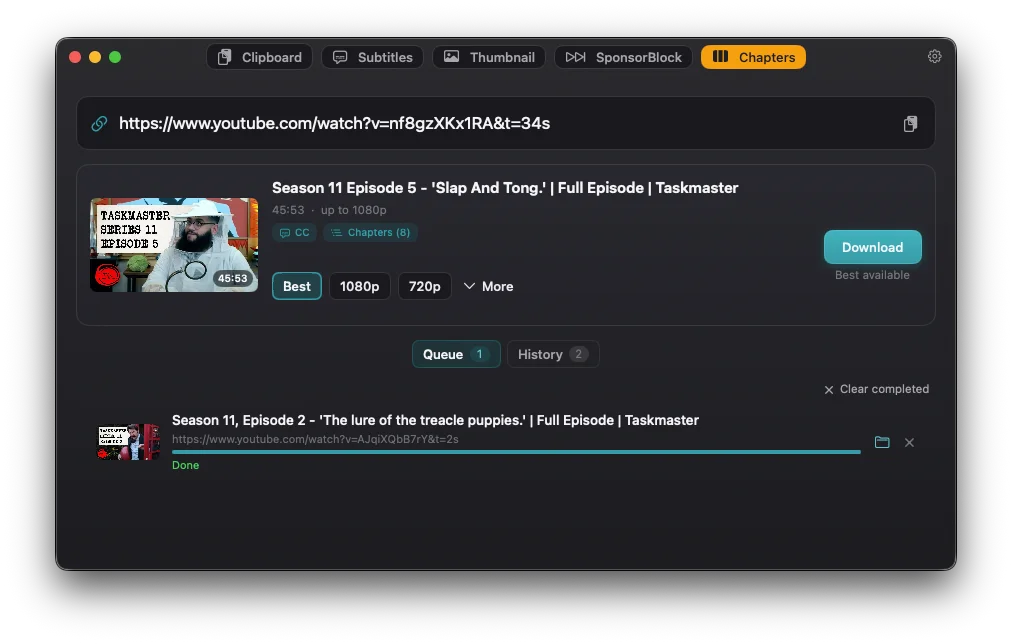
Available formats
Download video or MP3 audio. Use presets or a custom yt-dlp format selection.
Optional extras
Save captions and thumbnails, skip SponsorBlock segments, or create one file per chapter alongside the full video.
02 How it works
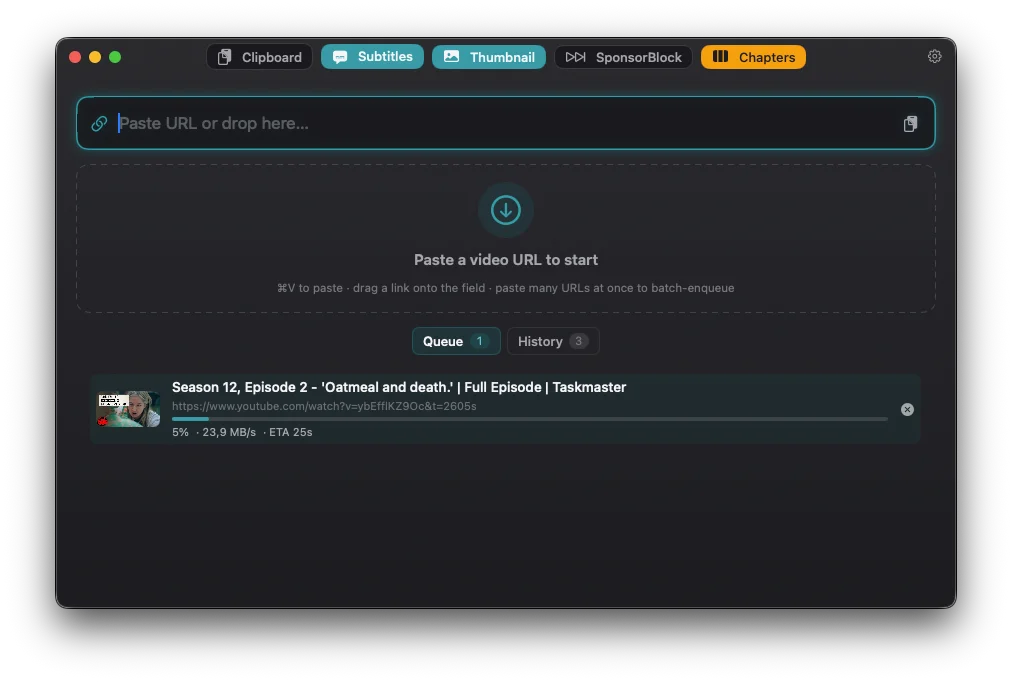
STEP 1Paste a link
Paste or drag a video URL. ⌘V
STEP 2Choose options
Select quality and any extras.
STEP 3Download
Add to the queue. ⌘R
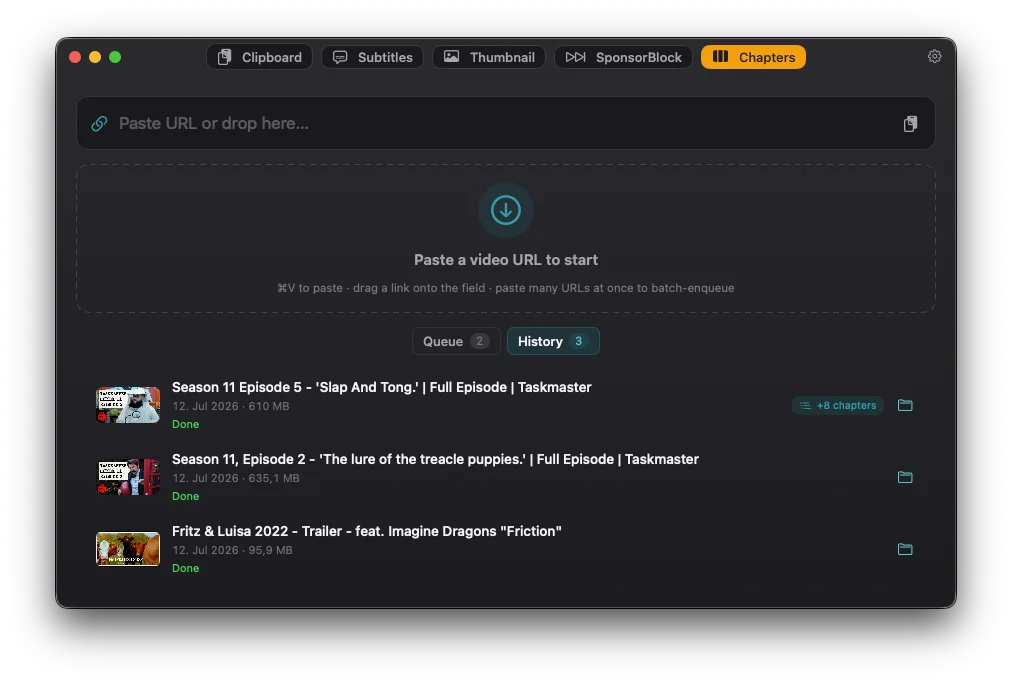
03 Views
04 Specifications
| Requirements | macOS 14.0 Sonoma or later. Apple Silicon. Signed & notarized, distributed outside the App Store. |
| Engine | yt-dlp (Unlicense) and FFmpeg (GPL), bundled as separate executables. |
| Formats | Resolution and format availability depend on the source site and video. |
| Updates | Built-in app updates via Sparkle; yt-dlp updates separately. |
| Accounts / analytics | No Magpie account or analytics. Downloads connect directly to source sites; updates and optional SponsorBlock use network connections. |
| Price | Free. Optional tip jar. |
| Source | MIT-licensed source ↗ |
| Use | Download content you have permission to save. Respect copyright and the source site’s terms. |
Made by Luces Umbrarum. All apps ↗